Skip to content
Early accessMomen9 — More Than Moments

Personalized digital invitations for Indian weddings & celebrations

One invitation. Every guest gets a page made for them, shared on WhatsApp.

Add your guest list once. Momen9 greets each person by name, shows them only the events they are invited to, and takes their RSVP. They open one link and install nothing.

No app · No guest account · Ready for WhatsApp · Drafted by AI, edited by you

What Momen9 makes

One wedding. Three guests. Three different invitations.

Your guests share one celebration. Each of them opens a page that knows who they are: greeted by name, shown only the events they are invited to, with a note written just for them. Scroll the phones. These are real invitations, rendered exactly as a guest would see them.

Priya

College friend

Priya,we have kept a seat for you.

Wedding Invitation

Ananya & Vikram

invite you to celebrate their wedding in Jaipur
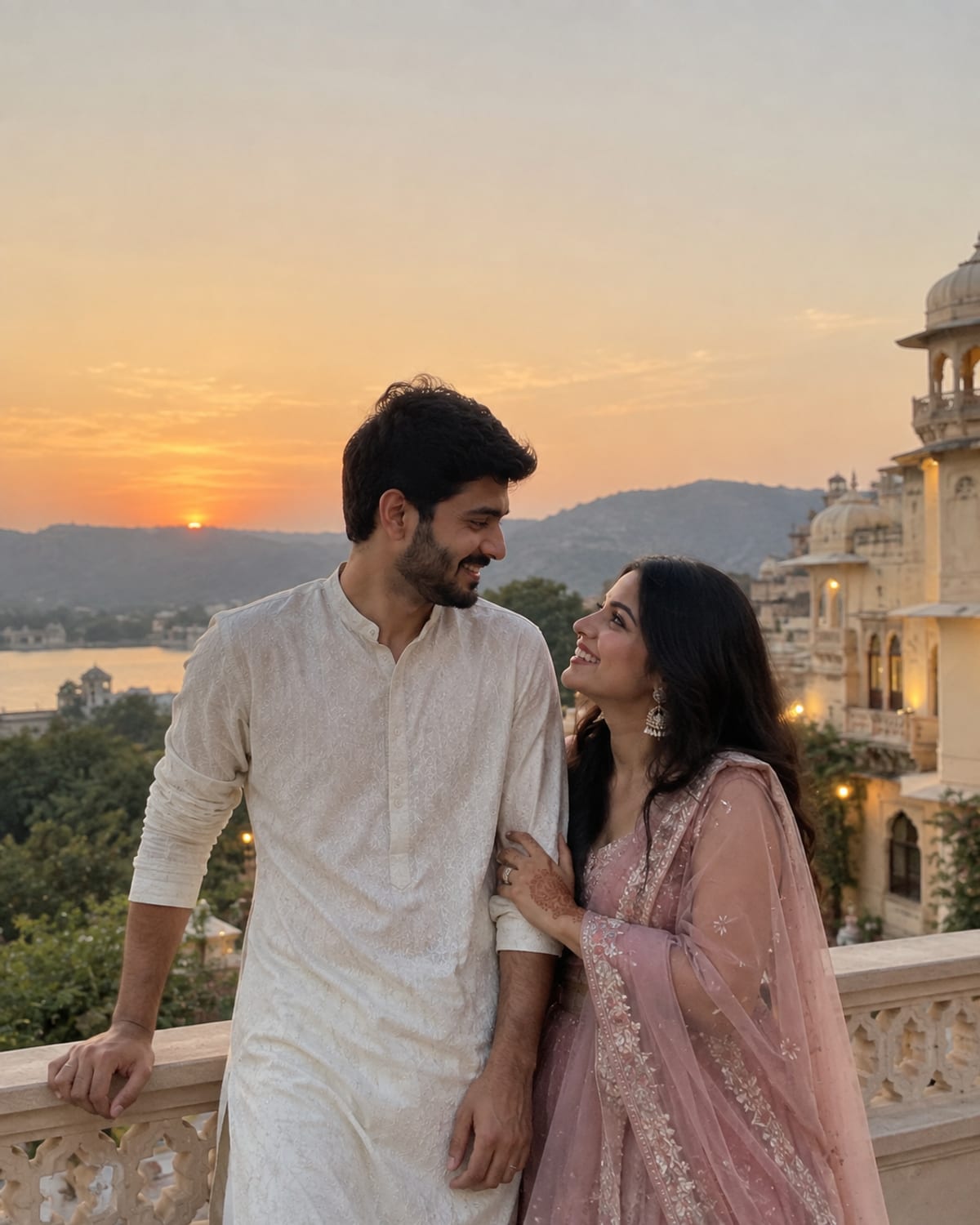
Ananya and Vikram on a palace terrace in Jaipur at sunset, in a white kurta and a rose-pink lehenga, their wedding invitation cover photograph

Saturday, 19 December 2026 at 4:00 pm

Priya, you were there the night we met. It would be wrong to do this without you.

With the blessings of our elders

Two families, one celebration.
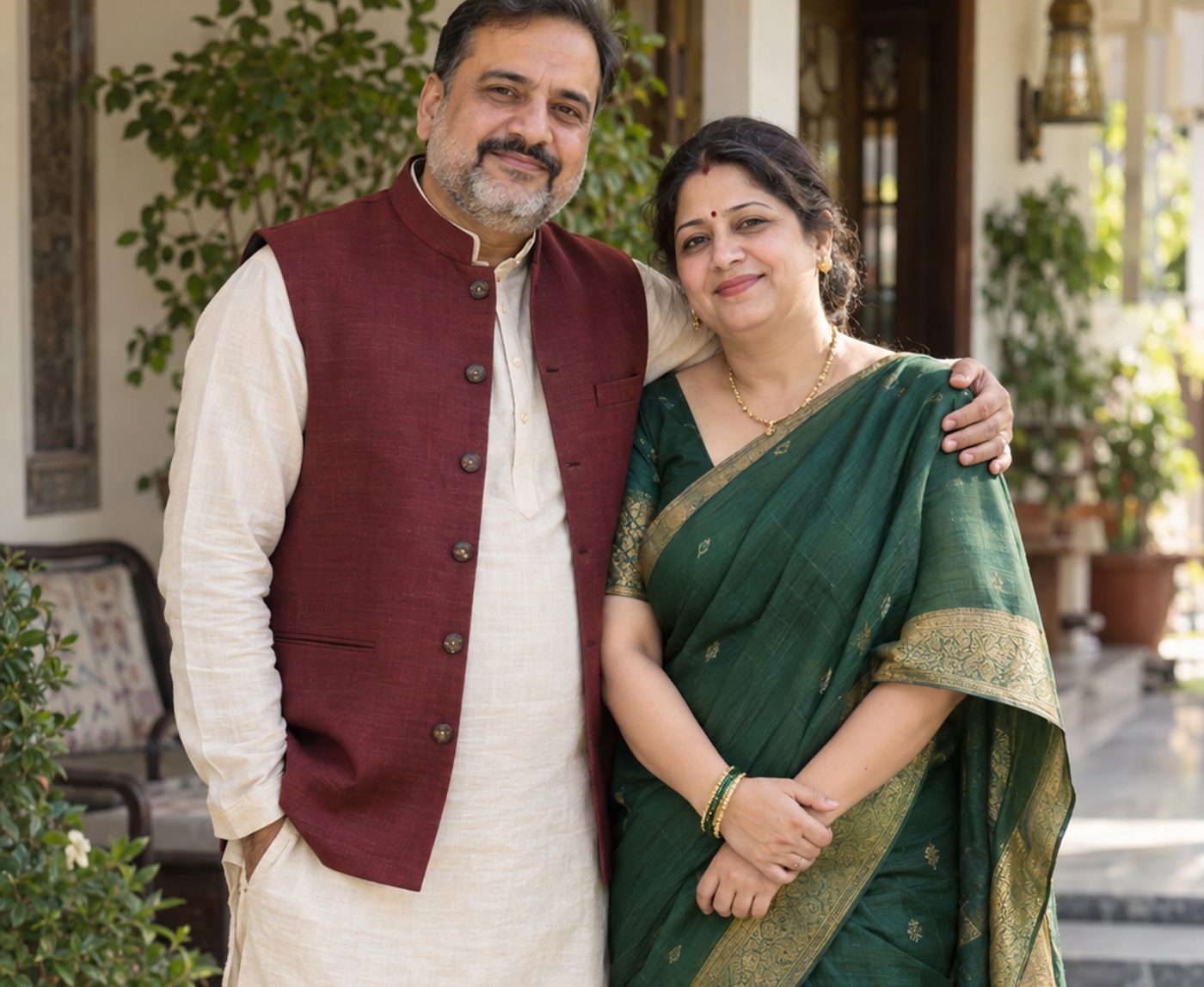
  • Ananya’s parents on the veranda at home, in a maroon bandhgala and a green silk saree

    The bride’s parents

    Smt. Sunita & Shri Rajesh Malhotra
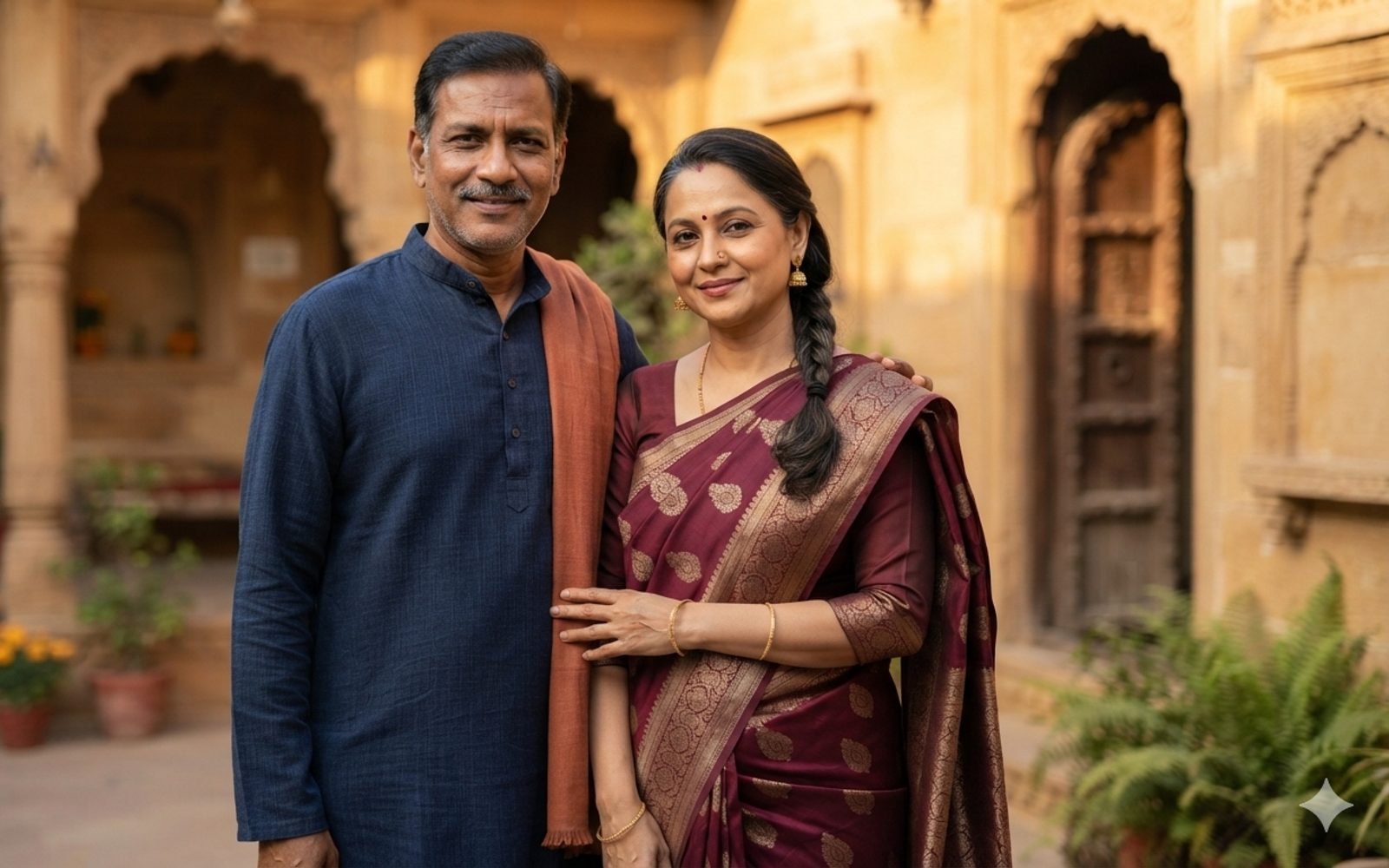
  • Vikram’s parents in a sandstone courtyard, in a navy kurta and a maroon saree

    The groom’s parents

    Smt. Lakshmi & Shri Mohan Rathore

request the honour of your presence.

The wedding

  1. Saturday, 4pm

    Baraat

    Main gate

    Vikram arrives. Loudly.

  2. 7pm

    Pheras

    The mandap

  3. 8:30pm onwards

    Reception and dinner

    Banquet lawn

The last six years
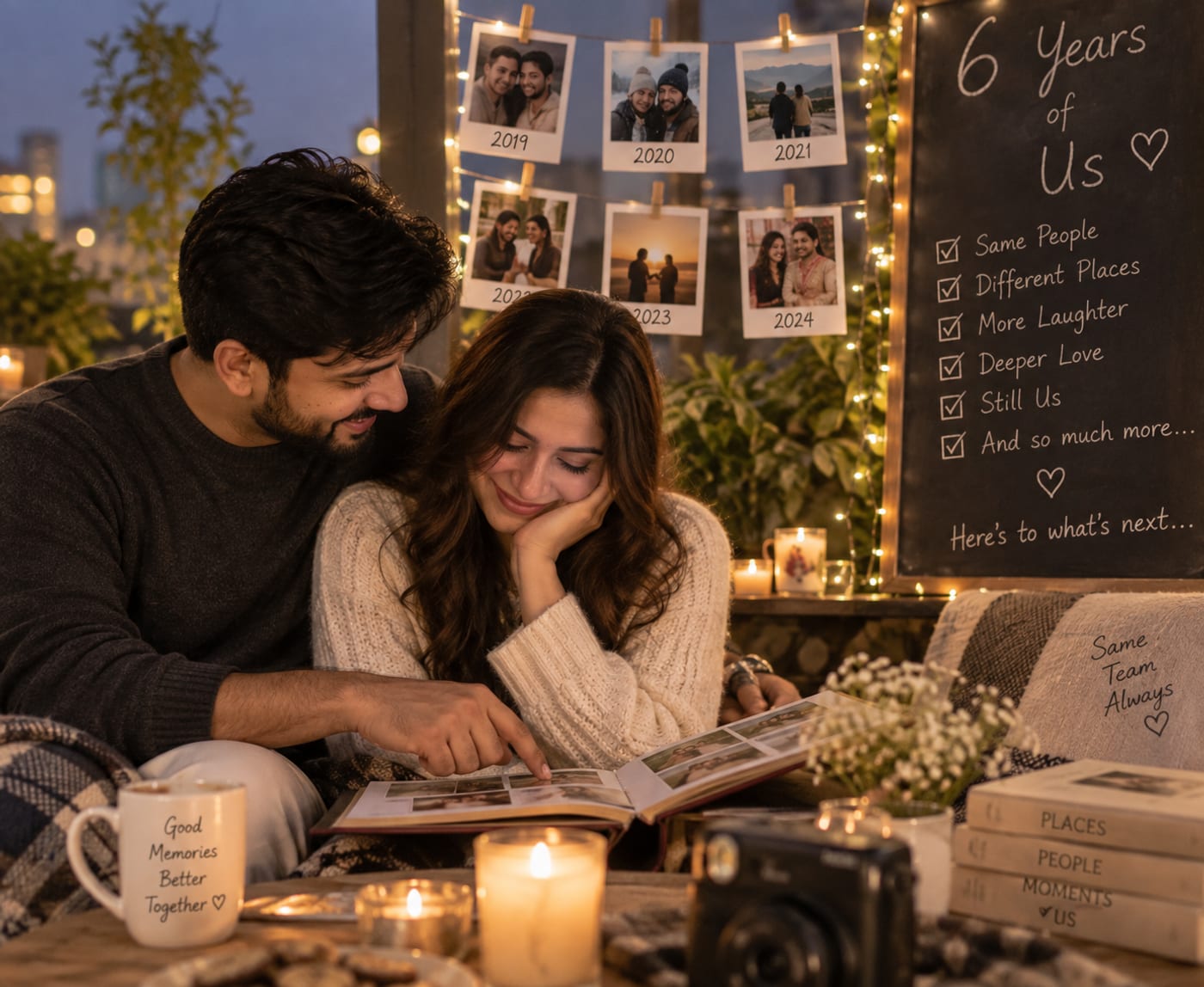
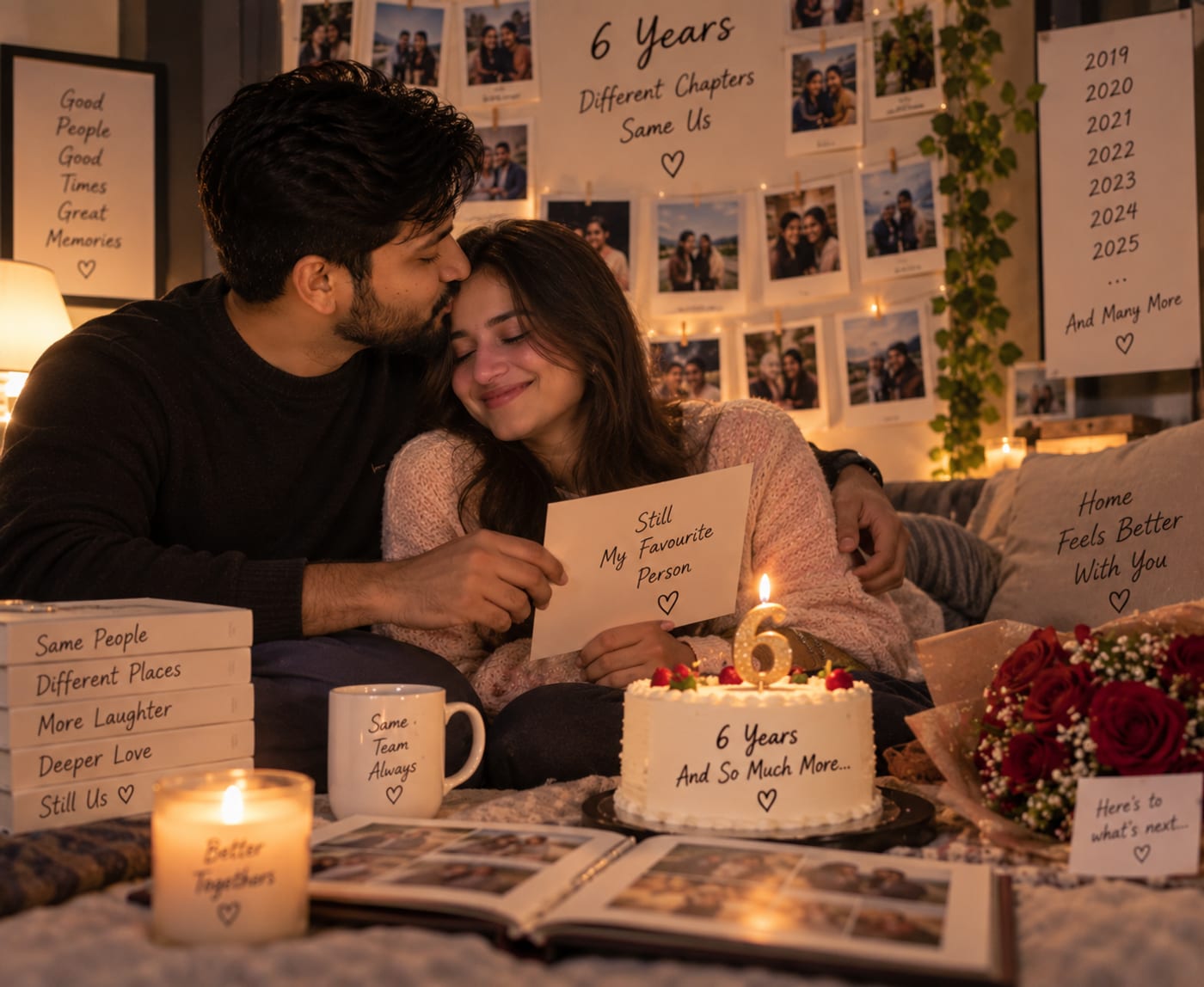
  • Ananya and Vikram looking through a photo album on a terrace, six years of pinned-up photographs and fairy lights behind them
  • A sixth anniversary cake and a handwritten note between Ananya and Vikram, a wall of photographs behind
  • Ananya and Vikram cooking together in their kitchen, photographs pinned to the fridge
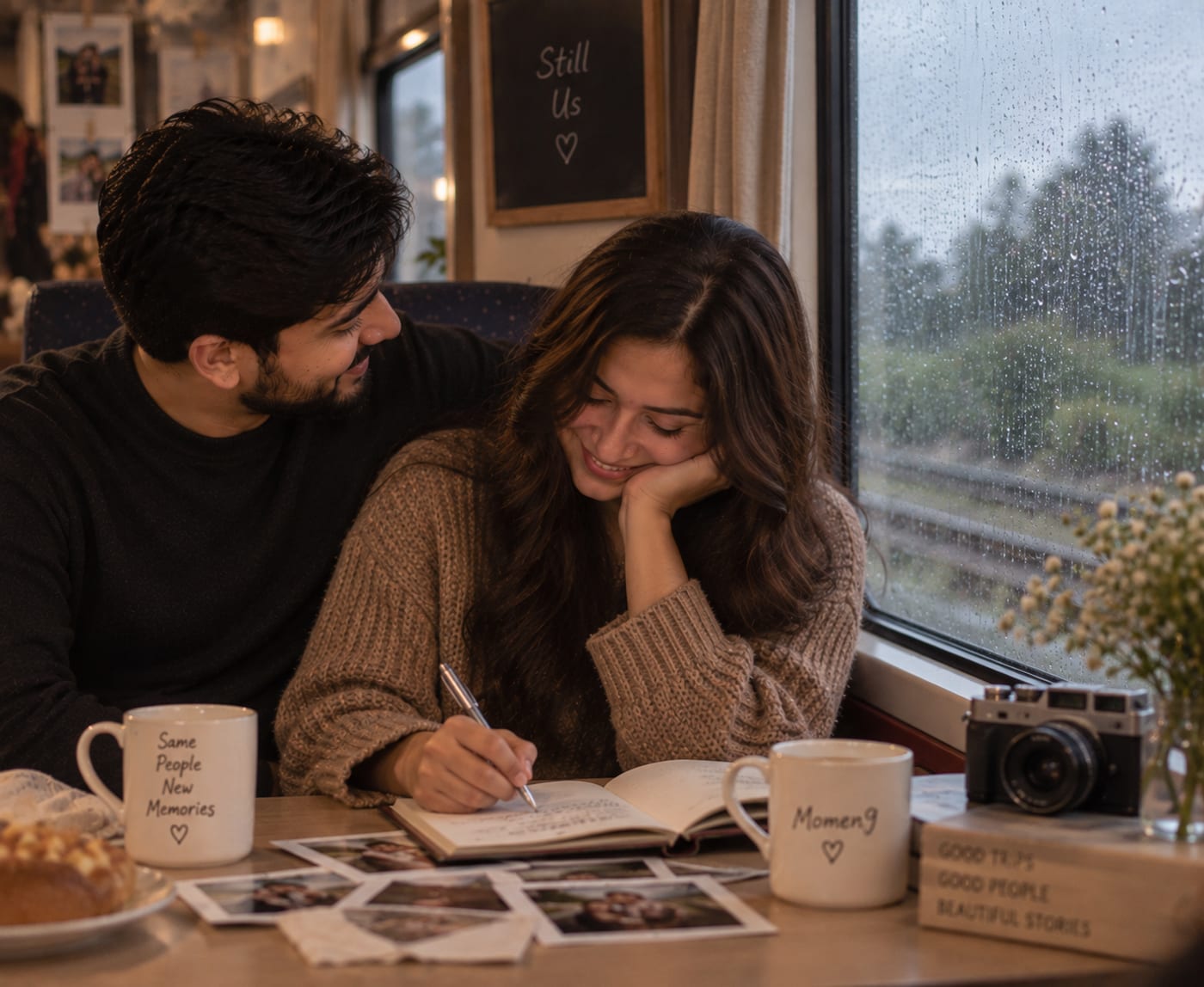
  • Ananya writing in a travel journal beside Vikram on a train, rain on the window
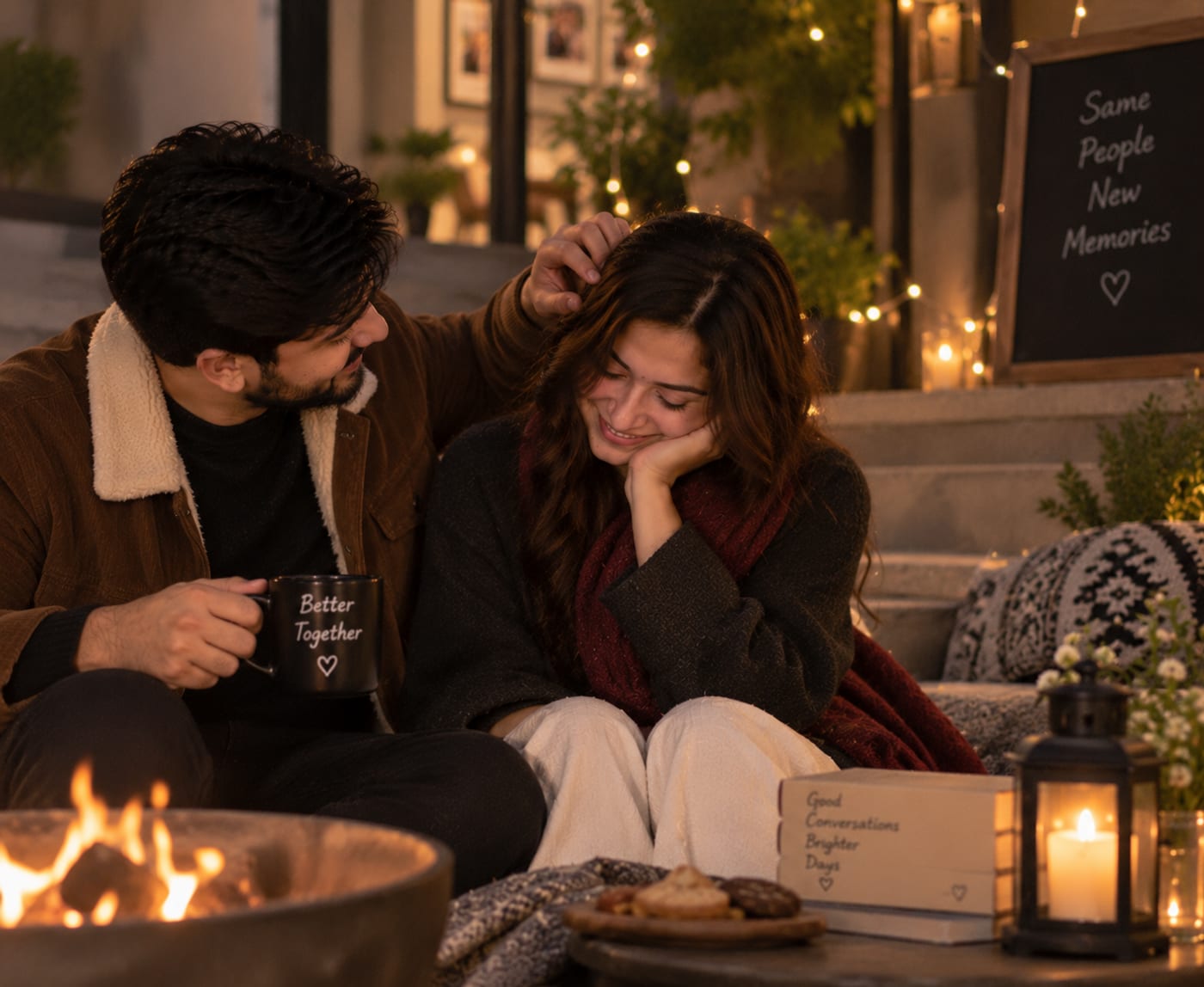
  • Ananya and Vikram wrapped up beside a fire pit on a winter evening, a lantern and fairy lights around them
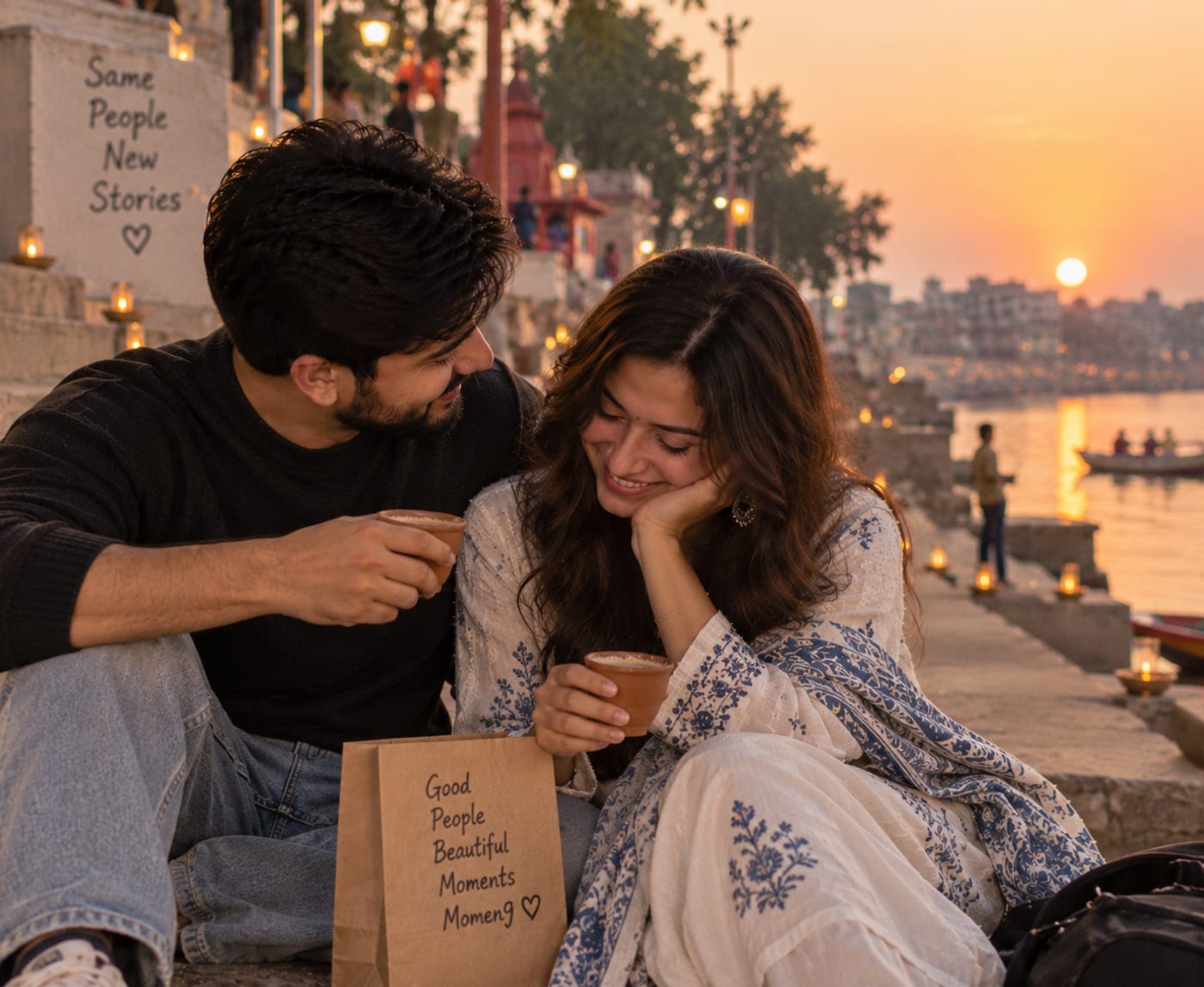
  • Ananya and Vikram sharing chai in clay cups on the ghats at sunset, diyas lit on the steps

Where

Rajmahal Gardens

Amer Road

Jaipur, Rajasthan

302002 India

Festive colours. The lawns are grass, so heels at your own risk.

RSVP

Priya, will you be joining us?

A wish for the two of us

Leave a few words. We will read every one of them on the morning after.

Two chairs and a garland at the end of the night

See you in Jaipur

It would mean the world to have you with us as we begin this new chapter. Come for the pheras, stay for the dancing.

Ananya & Vikram

  • Greeted by name
  • Wedding and reception only
  • Can bring one guest
Create your celebrationOpen a real invitation →

Open one full size, switch between the three guests, and watch the page change. No signup.

Invite

Made for how India actually invites people

Nobody is going to install an app to come to your wedding. Invitations here go out the way everything else does: on WhatsApp, from your own number, to a person who taps once and is already reading.

  1. Your guest list

    Pick them from your phone contacts, paste a list, upload a file, or type them in. Names, numbers and which events each person is invited to.
  2. Momen9

    One personal link per guest, and a message written for each of them that you can edit.
  3. WhatsApp

    Send them one at a time or a group at a time, from your own number, in a couple of taps.
  4. They just open it

    The page knows who they are. No app to install, no account to make, no form before they can read it.

Printed QR codes for the guests who would rather have something in their hand, and the same personal page behind them.

How it works

Five steps, from the moment you decide to celebrate to the day you look back on it. Everything is built around one idea: the person receiving the invitation should never have to work for it.

  1. Create

    Pick the occasion and describe it in a few sentences, or photograph the card you already had printed. The Celebration Director drafts the theme, the copy and the schedule for you to edit.

    • Start from a templateTen regional wedding traditions, modern moods, single functions, birthdays by age and style, and the other occasions: a whole look and the ceremonies in order, ready to edit.
    • The invitation, draftedA theme, a hero, your story, a schedule, RSVP questions and a quiz about the two of you, all written from the few sentences you gave it.
    • Start from your printed cardAdd photos of the card the press made. The names, dates, venue and functions on it are read and used, and the photos are not kept.
    • In your languageEnglish, Hinglish, Hindi, Marathi, Gujarati, Bengali, Tamil, Telugu, Kannada, Malayalam, Punjabi, Odia or Urdu. The draft, the typesetting and every suggestion follow it.
    • Rewrite one section at a timeSay what you want changed and only that section is rewritten. The rest is left exactly as it was.
  2. Personalize

    Add your guest list once, straight from your phone contacts if you like. Every guest gets their own link, greeted by name, showing only what applies to them.

    • Guests from your phonePick them from your phone’s own contacts, several at a time, and they are on the list with their numbers. Or paste a list, upload a file, or type them in.
    • A different invitation for every guestOne link per guest, with their own RSVP and only the events they are invited to. Your college friends and your grandmother do not need to see the same page.
    • RSVP that people actually finishOne question at a time on a phone, with plus-ones, dietary notes and your own custom questions. Replies land in a list you can filter and export.
  3. Invite

    Send the links through WhatsApp in a couple of taps. No app to install, no account for anyone to create.

    • Sharing built for WhatsAppPersonalized messages ready to send, one guest at a time or a whole group. Printed QR codes for the ones who prefer paper.
    • The wish wallGuests leave a note before or during the celebration. You approve what appears, so the wall stays yours.
  4. Celebrate

    On the day, wishes, photos and games appear live. Announce dinner and everyone in the room sees it.

    • Games that get people talkingQuizzes about the couple, polls, song votes, photo missions and open questions. Answers turn into a leaderboard on the day.
    • Live celebration modeA live feed of photos and wishes, pinned announcements, and a schedule everyone can follow without asking you.
    • Photos from everyoneGuests upload from their phones. Nothing appears until you approve it, and the originals stay yours.
  5. Remember

    Afterwards it all gathers into one memory page: the photos, the wishes, the story of the day.

    • A memory page that lastsThe photos, wishes and messages become one page you can keep private, share with guests, or open to the world.
    • A story for the memory pageThe Director reads what your guests left and drafts the story of the day. You publish it only once it sounds like you.
    • A film of the dayThe best photos become a short video with titles and a few of the wishes, ready to share. It renders in the background and tells you when it is done.
Create · AI-powered invitation drafting

Describe it, or photograph your printed card. Start from a draft, not a blank page.

Write a few sentences about the occasion and what you want it to feel like, or add photos of the card you already had printed. The Celebration Director drafts the whole invitation around it, in your language, and you edit from there. Watch it happen.

Tell the Director about your celebration

It's my wife Meera's 30th birthday. She loves travel, old Bollywood songs and photography. We're inviting 35 close friends to our terrace on the 20th. It's a surprise.
  1. Reading your story
  2. Choosing a theme
  3. Writing the invitation
  4. Adding the schedule and RSVP
  5. Seeding a quiz about Meera

Your invitation appears here.

  • From a few sentences, or from your cardType what you want, or add up to four photos of the printed card. The names, dates, venue and functions on it become the draft, and the photos are not kept.
  • In thirteen languagesSet the invitation’s language once. The draft, the fonts it is set in and every later suggestion follow it, and you can switch a single line to another language when you ask.
  • Easy to manage: one editor, every sectionThe draft lands in an editor with a live phone preview. Reorder sections, switch them off, change the theme, and rewrite any one section with a sentence while the rest stays put.
  • Help in every boxTitles, subtitles, the story, the WhatsApp message: each has a Write with AI button that offers three ways to say it. Nothing changes until you pick one.
Create your celebration

Nothing it writes goes out on its own. Every draft lands in your editor, and your guest list is never part of what it is given. Photos of your card are read for the draft and not kept. Drafting is included with the paid plans.

Create · Templates

81 templates, made for Indian celebrations

Not ten thousand. A Tamil wedding template already knows about the oonjal and the muhurtham; a Bengali one ends with bou bhaat; a Punjabi one has the jaggo the night before. Each is a whole look and a whole structure: palette, type, ornament, the ceremonies in order and the words to start from. Pick one, then change anything.

  • Illustrated cards · 17
  • Regional traditions · 10
  • Modern moods · 17
  • One function at a time · 5
  • By age · 3
  • By style · 5
  • Milestones · 4
  • Classics · 20
  • Royal RajasthaniRajasthanPremium

    Maroon, gold and a jharokha arch.

  • TamilTamil NaduPremium

    Kanjivaram red, the oonjal, the thaali.

  • BengaliBengalPremium

    Red and white, an alpona, shubho drishti.

  • EditorialPremium

    A magazine cover for the two of you.

  • KidsPremium

    Butter yellow, candy pink, balloons.

  • Diwali Party

    Saffron, marigolds, diyas.

See all 81 templates →

Create your celebration

Every template is drawn by the same renderer your guests see. Ten regional wedding traditions, eight modern moods, single functions, birthdays by age and style, anniversary milestones, and the other occasions. Some are part of the paid plans.

Celebrate

On the day, everyone participates

Switch the celebration to live and every guest's link becomes the day itself. You announce dinner from your phone and the whole lawn sees it. The quiz you seeded has a leaderboard. The photos and wishes arrive as they happen, and only after you approve them.

  • AnnouncementsPinned to the top of every guest's page the moment you post them.
  • LeaderboardQuiz, polls and photo missions scored live. Losers sing.
  • MomentsA feed of approved photos and wishes, and the milestones of the day as they pass.
Create your celebration

Live celebration mode is included with the Plus plan.

● Live now

Ananya & Vikram

Welcome, Rahul

Announcements

Dinner is served on the banquet lawn

Family table is the long one under the lights. Everyone else, sit wherever the food is.

7:42 pm

Shoes off for the mandap, please

There is a rack by the steps. Vikram has already lost one.

6:12 pm

Today

  1. Saturday, 4pm

    Baraat

    Main gate

  2. 7pm

    Pheras

    The mandap

  3. 8:30pm onwards

    Reception and dinner

    Banquet lawn

Leaderboard

How well do you know Ananya & Vikram?

  1. 1. Priya90 pts
  2. 2. Rahul70 pts
  3. 3. Meher60 pts

Moments

  • सदा खुश रहो। अब मुझे परपोते चाहिए।

    — Dadi

  • Seven pheras. Officially married.

  • Ananya, I was in that taxi too. I have kept quiet for six years. Consider this my wedding gift.

    — Priya

Saturday, 19 December 2026

The day Ananya married Vikram

Ananya & Vikram

Two families, three days, one very loud baraat, and a taxi story that finally came out.

Highlights

The morning

Jaipur was cold and nobody was ready. The mehendi had barely dried, Dadi was already at the venue, and Vikram was practising his entrance in a hotel corridor.

The pheras

Seven rounds of the fire at seven in the evening, with two hundred phones held up and one grandmother who refused to sit down.

The night

Dinner under the lights, a dance-off that nobody won, and a slow goodbye at the gate that lasted an hour.

Moments

Wishes

  • सदा खुश रहो। अब मुझे परपोते चाहिए।

    — Dadi

  • Ananya, I was in that taxi too. I have kept quiet for six years. Consider this my wedding gift.

    — Priya

  • Bhai, the sangeet dance-off was rigged and I want a rematch at the first anniversary.

    — Rahul

In their words

  • Your favourite moment of the day?

    Vikram losing a shoe on the mandap steps and carrying on like nothing happened.

    — Meher

  • One piece of advice for the two of them

    Never argue about restaurants. You are both wrong.

    — Sunita Aunty

The day before

  1. Friday, 2pm

    Mehendi

    On the lawns. Wear something you do not mind getting henna on.

  2. Friday, 7pm

    Sangeet

    Two families, one dance-off. Practise.

The wedding

  1. Saturday, 4pm

    Baraat

    Vikram arrives. Loudly.

  2. 7pm

    Pheras

  3. 8:30pm onwards

    Reception and dinner

See you in Jaipur

Thank you for the wishes, the photos and the dancing. We have read every word. Come back for the first anniversary; Rahul wants a rematch.

Ananya & Vikram

Remember

And then the day becomes a memory

A week later, every approved photo, every wish and every answer your guests gave is one page. The Director drafts the story of the day from what they left; you publish it once it sounds like you. Keep it for the family, share it with the guests, or open it to the world.

  • HighlightsPick the photos that matter most and they lead the page.
  • In their wordsThe wishes and the answers to your questions, with the names on them.
  • The filmA short video from the best photos and a few of the wishes, ready to send.
Create your celebration

The photos on this phone are stand-ins. Yours would be real.

Why not just send a normal digital invitation?

A card and a single shared link both do the same thing: send one message to four hundred different people. Everything below follows from not doing that.

Momen9 compared with a printed card and a single digital link
What is being comparedA printed cardOne digital link for everyoneMomen9
What each guest getsThe same card as everyone elseThe same page as everyone elseTheir own page, greeted by name
Which events they seeAll of them, or a second print runAll of themOnly the ones they are invited to
Getting it to peoplePrinting, addressing, deliveringOne link forwarded aroundA personal link each, on WhatsApp
RSVPA phone call and a spreadsheetA form, if there is oneBuilt in, with plus-ones and your own questions
Changing a detail after sendingReprint, or ring everyoneUsually possibleSame links, updated instantly
On the dayNothingNothingLive announcements, photos, wishes and games
AfterwardsA card in a drawerA dead linkA memory page, and a film of the day
Create your celebrationOpen a real invitation →

The last column is the one you can check yourself, right now.

Private by design

Your guest list is yours

You are handing us the names and numbers of the people you love. Here is how we treat them. The long version is the privacy policy, written to be read.

  • Guests never see each other

    A guest link shows one person their own invitation. No phone numbers, no email addresses, no guest list.
  • Links that cannot be guessed

    Every guest link is a long random value. We store only a one-way hash, so even a copy of our database hands nobody a working link.
  • Revoke a link in one tap

    A lost phone or a forwarded link? Rotate or revoke that one guest’s link from your list. It stops working immediately.
  • You approve before anything appears

    Photos and wishes wait for you. Nothing a guest uploads is shown to anyone until you say so.
  • Photos behind expiring links

    Pictures are served through links that expire, not from a public folder. The originals stay yours.
  • No ads. No selling. Ever.

    We do not sell, rent or share guest lists, and we never advertise to you or your guests. Significant actions are logged so you can see what changed and when.

Hosts sign in with Google, so there is no password to lose. Guests never sign in at all. Made in India, hosted for India.

Questions people ask first

Mostly about their guests, which is the right thing to worry about.

  • Do my guests need to install an app?

    No. A guest taps the link you send them and their invitation opens in whatever browser their phone already has. There is nothing to download and nothing to set up.

  • Do my guests need to create an account?

    No. Guests never sign in. Their personal link is what identifies them, so they can RSVP, leave a wish and upload photos without an account. Only you, as the host, sign in — with Google, so there is no password to lose.

  • Can I send the invitations on WhatsApp?

    Yes, that is what it is built for. Momen9 gives you a personal link and a ready-written message for each guest, which you send one at a time or to a whole group. For guests who prefer paper, you can print a QR code that opens the same page.

  • Does every guest really get a different invitation?

    Yes. One celebration produces one page per guest. Each guest is greeted by name, sees only the events they are invited to, gets the note you wrote for them, and has their own RSVP with their own number of plus-ones. Your college friends and your grandmother do not see the same page.

  • Can I track who has replied?

    Yes. Every RSVP lands in a list you can filter, search and export, with plus-ones, dietary notes and the answers to any question you added yourself. You can see who has opened their invitation and who has not, so you know exactly who to chase.

  • Can I change the invitation after I have sent it?

    Yes. The links you sent stay the same and what they open is updated immediately, so a changed venue or a new timing reaches everyone without you sending anything again. On the day you can also pin an announcement to the top of every guest page.

  • Is my guest list safe?

    Your guest list is yours. We do not sell, rent or share it, and we never advertise to you or your guests. A guest link shows one person their own invitation and nothing about anyone else — no phone numbers, no email addresses, no list. Links are long random values stored only as a one-way hash, and you can revoke any single link in one tap.

  • Can the invitation be in Hindi?

    Yes. You choose the invitation’s language when you set up the celebration: English, Hinglish, Hindi, Marathi, Gujarati, Bengali, Tamil, Telugu, Kannada, Malayalam, Punjabi, Odia or Urdu. The AI drafts in that language, the invitation is set in a face made for its script, and your personal notes to each guest can be in whichever language that guest reads.

  • Do you have templates, or do I start from nothing?

    You start from a template if you like. There are about fifty, made for Indian celebrations rather than borrowed from elsewhere: ten regional wedding traditions (Royal Rajasthani, South Indian, Bengali, Punjabi, Gujarati, Marathi, Telugu, Tamil, Kerala, North Indian) with the ceremonies in order, eight modern wedding moods, single-function invitations for the haldi, mehendi, sangeet, reception and save-the-date, birthdays by age and style, anniversary milestones, and one or two for every other occasion. Each is a whole look and a whole structure, and everything in it can be changed.

  • I already have a printed card. Can the AI use it?

    Yes. On the AI tab, add photos of the card, front, back and any inserts. The names, dates, venue and functions printed on it are read and used as the facts of your draft, so you do not type them again. The photos are only looked at for that draft and are not saved anywhere.

  • Can I add guests from my phone contacts?

    Yes, on a phone. The Guests tab has a From contacts button that opens your phone’s own contact picker. Pick one or many, and they are added with their numbers. Only the people you pick are ever sent to Momen9; your address book stays on your phone. On a laptop you can paste a list or upload a file instead.

  • Can I use Momen9 for something other than a wedding?

    Yes. Birthdays, anniversaries, engagements, baby showers, housewarmings, retirements, graduations, naming and rice ceremonies, farewells, reunions, festival parties and company gatherings all work the same way, and each occasion has its own templates and starting points. Nothing about the personalization is specific to weddings.

  • What does it cost?

    You can create a celebration, add your guests and send personal links for free. The paid plans add larger guest lists, premium designs, live celebration mode and the memory film, and they are priced per celebration rather than as a subscription — you pay once for the event, and the price is shown before anything is charged.

Something else on your mind? Ask us. A person answers.

Early access

We are inviting our first celebrations

Momen9 is in early access. Create your celebration free, add the guest list you already have, and send the first link today. What you tell us shapes what comes next.

Create your celebration